If your eyes feel tired, dry or strained after a long day at the screen, you are not imagining it. Digital eye strain is common — and small changes to your setup and habits can help you feel more comfortable.
What screen fatigue actually feels like
People describe it as tired or heavy eyes, occasional dryness, difficulty focusing after hours of work, or a dull tension around the eyes and forehead. Much of it comes from how we use screens: we blink less, sit at awkward distances, and rarely look away.
Where blue-light eyewear fits in
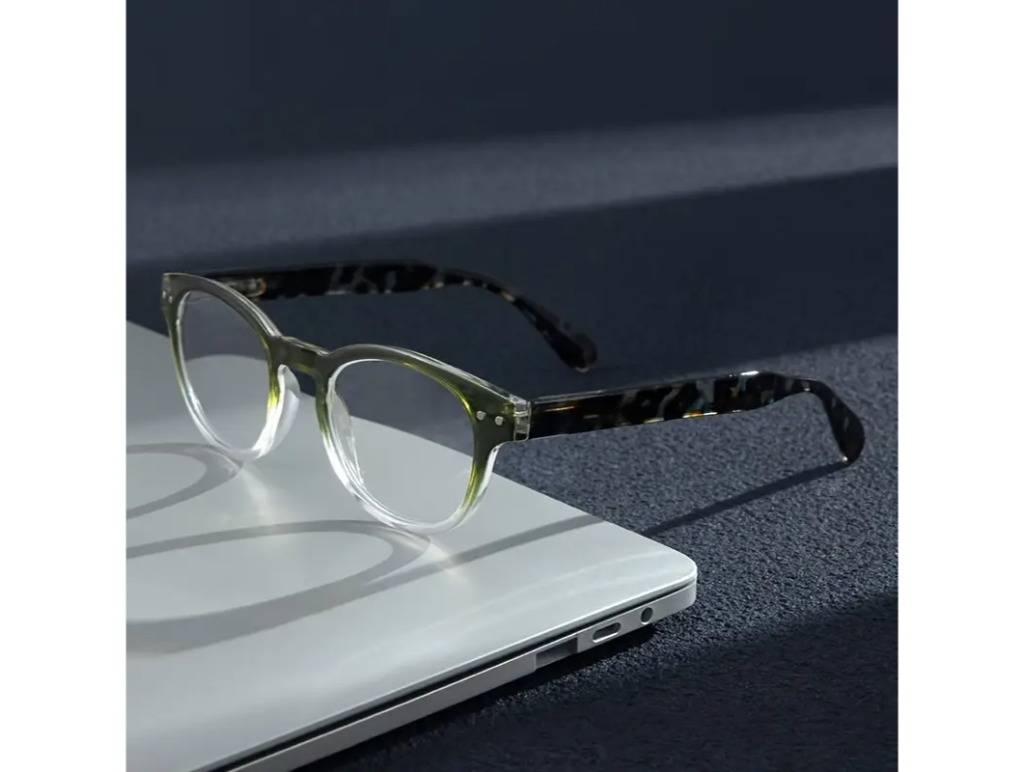
Blue-light blocking glasses are designed to filter a portion of high-energy visible light from screens. Many people find a comfortable pair makes long sessions feel easier on the eyes. They are a simple, low-cost tool — not a cure — and they pair best with good screen habits.
Eyewear is a comfort aid, not a medical device. If you have persistent eye pain, changes in vision, or headaches, see an eye-care professional.
Habits that help as much as the glasses
- The 20-20-20 idea: every 20 minutes, look at something about 20 feet away for around 20 seconds.
- Blink on purpose — screens make us blink less, which dries the eyes.
- Mind your distance and lighting — reduce glare and keep the screen an arm's length away.
- Take real breaks away from all screens when you can.
Choosing a pair you will actually wear
Comfort wins. Look for a frame that fits well, the right style for your day — reading glasses for close work, gaming and computer glasses for long sessions — and keep a cleaning kit handy so smudges never become a distraction. Our buying guide breaks down magnification and fit.
A comfortable screen day is a stack of small wins
No single product fixes screen fatigue on its own. But a well-fitting pair of blue-light glasses, better lighting, regular breaks and conscious blinking together add up to eyes that feel noticeably fresher at the end of the day.
Set your workspace up for comfort
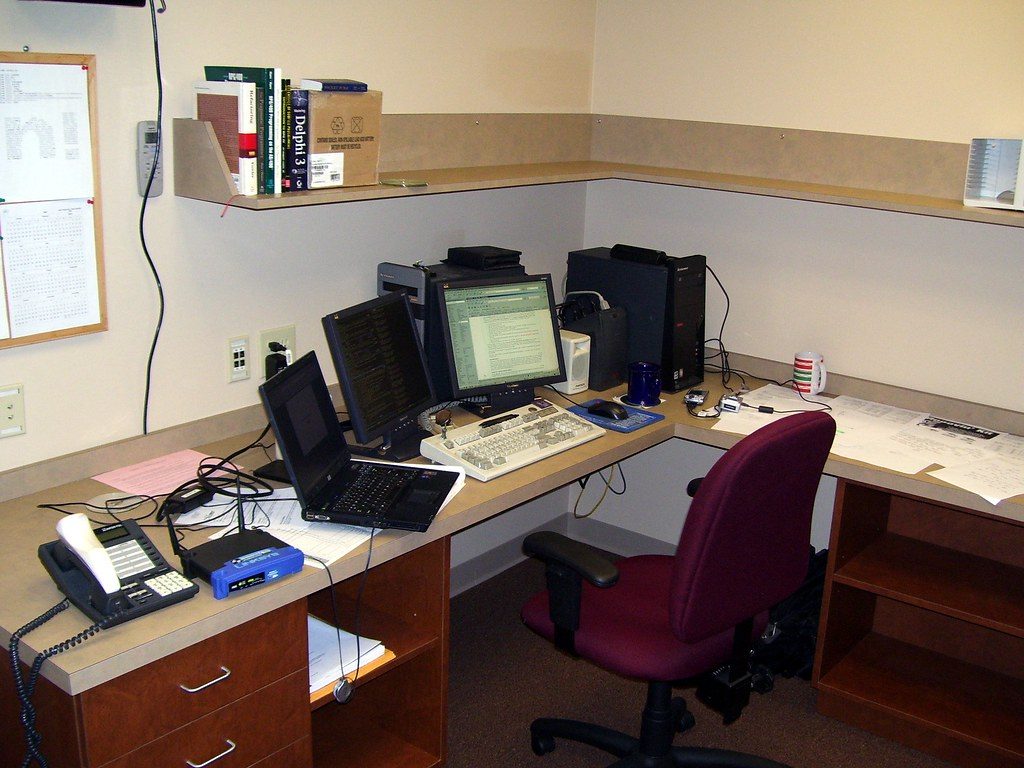
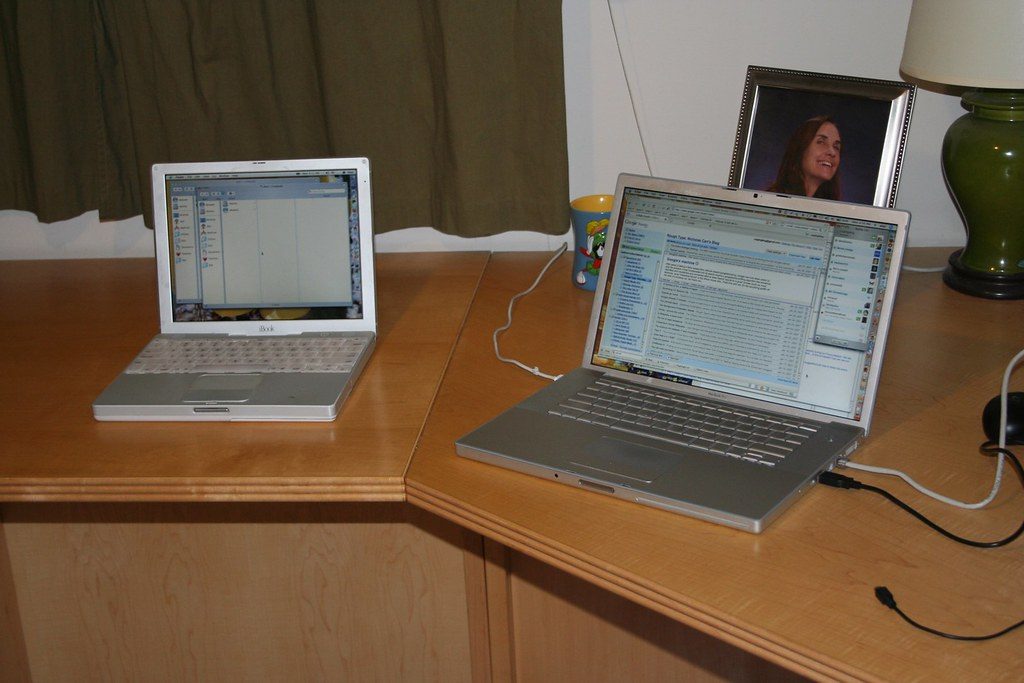
The single biggest lever for tired eyes is often the environment, not the eyewear. Position your monitor about an arm's length away, with the top of the screen at or just below eye level so your gaze angles slightly downward — a naturally restful position. Reduce glare by keeping bright windows and lamps out of your direct line of sight, and match your screen brightness roughly to the room around it.
Text size and contrast matter
Squinting is a hidden source of fatigue. If you find yourself leaning in, bump up your font size and choose high-contrast text. You should be able to read comfortably at a natural distance without effort. Small adjustments here reduce the strain that builds over a full working day.
Who tends to notice the biggest difference
People who spend the most hours on screens — office workers, students, gamers, night-shift readers — are usually the ones who feel the most benefit from a comfortable pair of computer or gaming glasses. If your day is one long screen session, a good pair is a small, affordable upgrade to daily comfort.
Layer your defenses
Think of eye comfort as a stack, not a single fix: a sensible workspace, regular breaks, conscious blinking, good lighting, and blue-light eyewear on top. No layer does everything, but together they add up to eyes that feel far fresher at the end of the day. Pair this with the sleep habits in our sleep guide, since late-night screens and rest are closely linked.
Fresher eyes, summed up
Screen fatigue responds to a stack of small changes, not one magic fix. Set your workspace up sensibly — screen an arm's length away, top near eye level, glare controlled, text large enough to read without squinting. Take regular breaks, blink on purpose, and add a comfortable pair of blue-light glasses on top for long sessions. Keep a cleaning kit handy so smudges never distract you. Layer those habits together and your eyes feel noticeably fresher by day's end — and if pain or vision changes persist, see an eye-care professional.
Disclaimer. Statements on this site have not been evaluated by the Food and Drug Administration (FDA). Products are not intended to diagnose, treat, cure or prevent any disease. This article is general information, not medical advice — if you are pregnant, nursing, taking medication, or have a health condition, consult a physician before starting any supplement or wellness routine.